Recipe - XML outbound messaging
This recipe transfers records between two orgs. The first org sends an XML event using an Outbound Message flow. The second org receives the XML event using a webhook flow and returns a SOAP acknowledgement.
| Recipe |
|---|
| 1st org - send outbound message 2nd org - receive XML webhook Testing the flows |
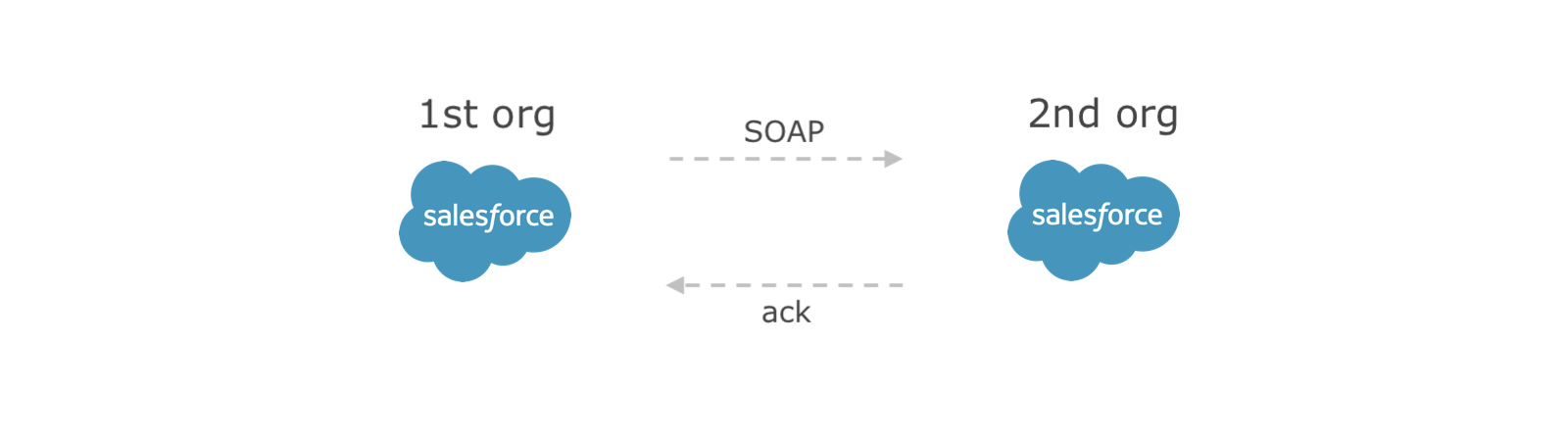
1st org - send outbound message
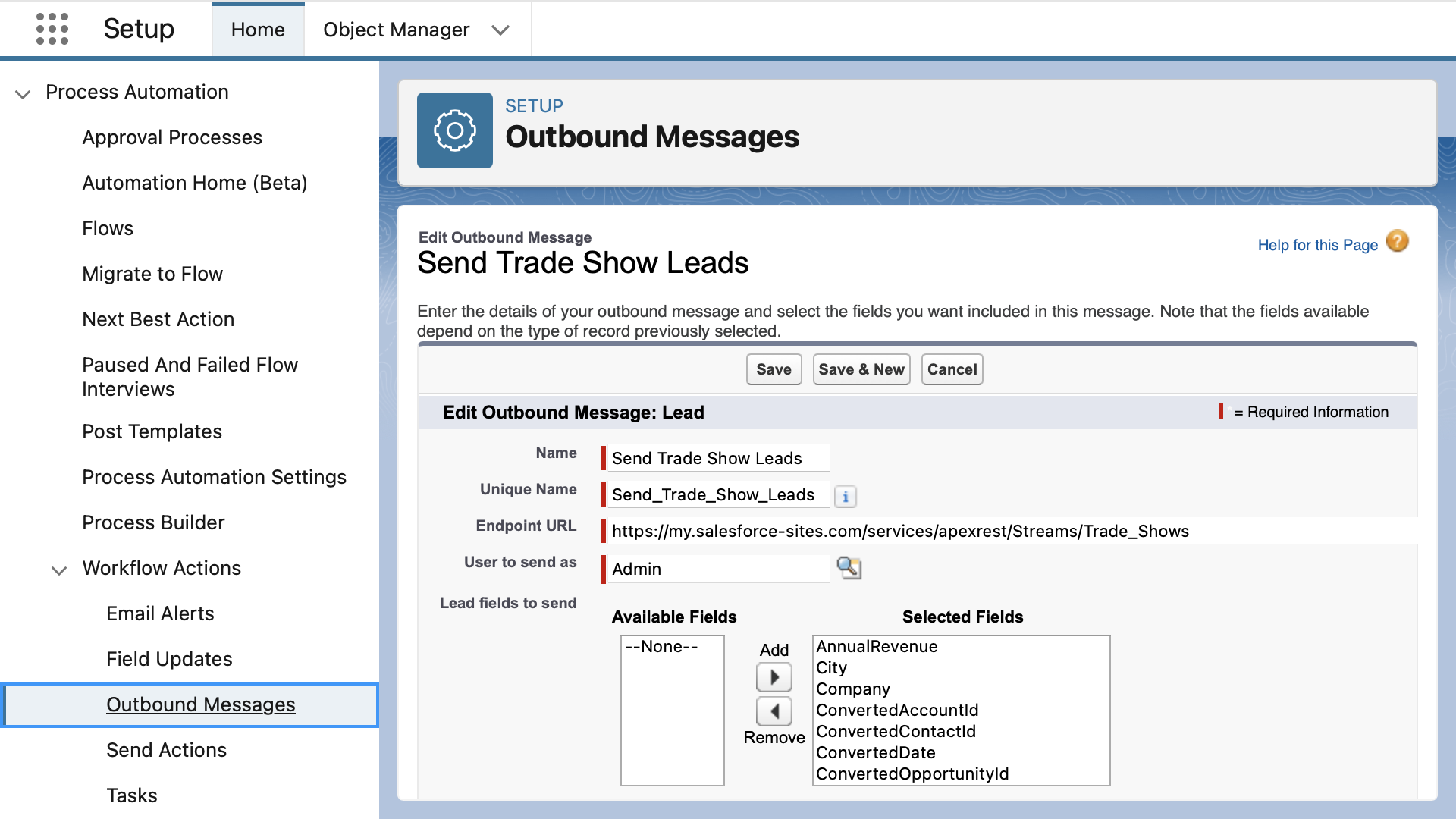
- Go to Setup > Outbound Messages
- Click New Outbound Message on the Lead Object
- Name: Send_Leads
- URL: https://my.salesforce-sites.com/services/apexrest/Streams/Trade_Shows (site in 2nd org)
- Lead fields to send: All Available Fields
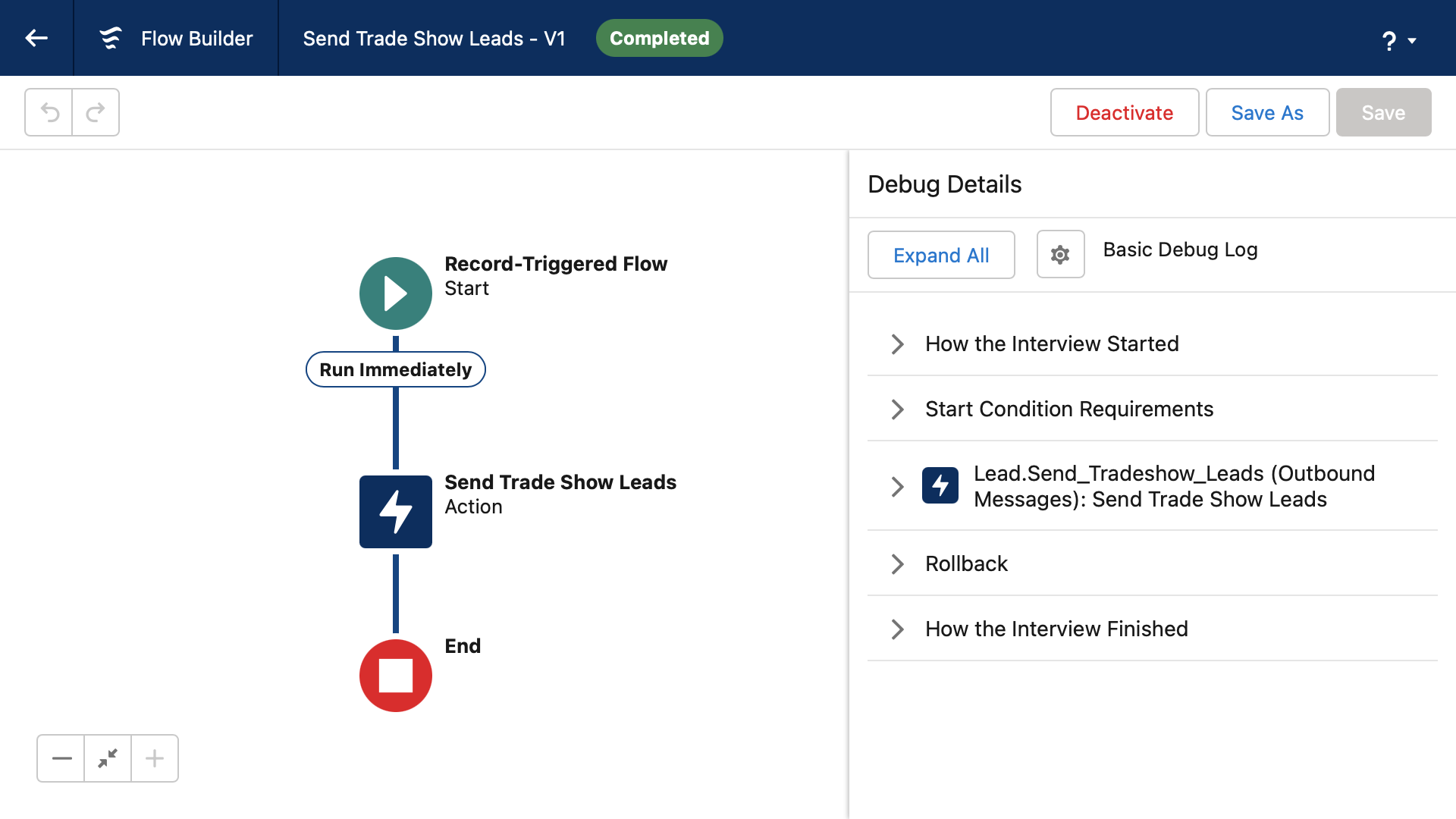
Use flow to trigger the message when leads are created:
- Go to Setup > Flows > New Record-Triggered Flow
- Object: when Lead record is Created
- Entry Conditions: Lead Source equals Trade Show
- Choose an Action element: Outbound Message Send Trade Show Leads
- Click Save and Activate
2nd org - receive XML webhook
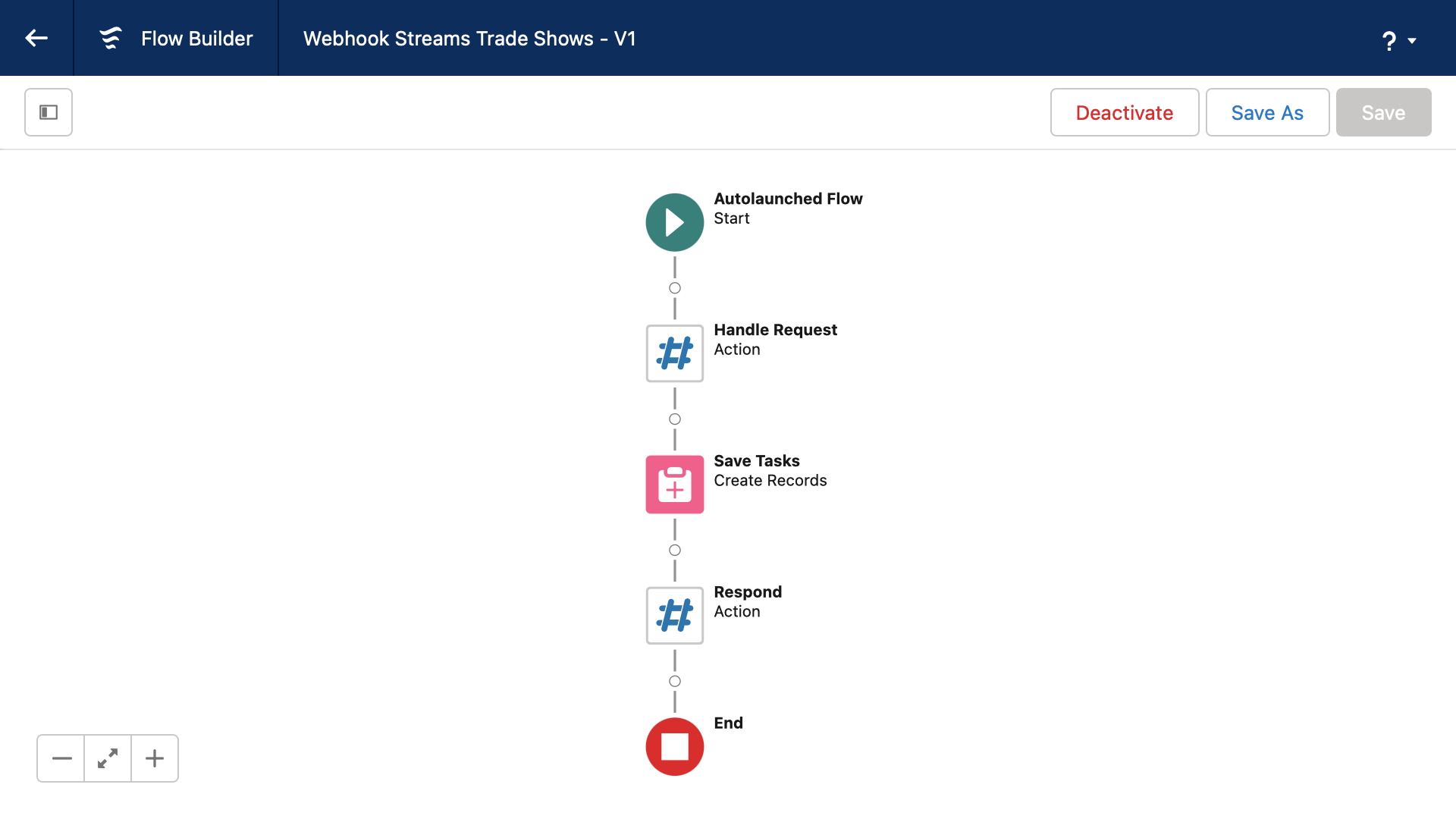
In the Streams app Integrations tab, click New Webhook Flow:
- Add a Streamscript action named Webhook
- Paste this script into the script editor then click Done
# Streamscript to read the SOAP payload
$request = Xml-Decode $Webhook.request

# Records
$Lead = []
foreach ($notification in $request.Envelope.Body.notifications)
{
    $l = New-Lead
    $l.FirstName = $notification.sObject.FirstName
    $l.LastName = $notification.sObject.LastName
    $l.Company = $notification.sObject.Company
    $Lead.add($l)
}

# The variable name must indicate its type
return $Lead
Create the Lead records:
- Add a Create Records step
- Set Create a Record from These Values to {!Webhook.records}
- Click Done
Acknowledge the event using the webhook response:
- Add a Streamscript action named: Respond
- Paste this script into the script editor then click Done
# Streamscript to send HTTP response
$Webhook.response = `<Envelope
xmlns:out="http://soap.sforce.com/2005/09/outbound"
xmlns="http://schemas.xmlsoap.org/soap/envelope/">
 <Header/>
 <Body>
  <out:notificationsResponse>
   <out:Ack>true</out:Ack>
  </out:notificationsResponse>
 </Body>
</Envelope>`
Click the settings gearwheel to enable the Site Guest User to insert records safely.
In Flow Properties > Advanced > How to Run the Flow: System Context With Sharing.
- Save the flow with this API Name: Webhook_Streams_Trade_Shows
- Return to the Integrations tab to see the webhook
- Use the Webhook URL for the 1st org endpoint
Testing the flows
Creating a lead in the first org will send the following XML payload:
<Envelope
xmlns:xsd="http://www.w3.org/2001/XMLSchema"
xmlns:xsi="http://www.w3.org/2001/XMLSchema-instance"
xmlns="http://schemas.xmlsoap.org/soap/envelope/">
<Body>
 <notifications xmlns="http://soap.sforce.com/2005/09/outbound">
  <Notification>
   <Id>041000000000001AAA</Id>
   <sObject xsi:type="sf:Lead" xmlns:sf="urn:sobject.enterprise.soap.sforce.com">
    <sf:Id>00Q000000000001AAA</sf:Id>
    <sf:CreatedDate>2023-07-18T12:04:17.000Z</sf:CreatedDate>
    <sf:FirstName>John</sf:FirstName>
    <sf:LastName>Citizen</sf:LastName>
    <sf:Company>ACME</sf:Subject>
   </sObject>
  </Notification>
 </notifications>
</Body>
</Envelope>
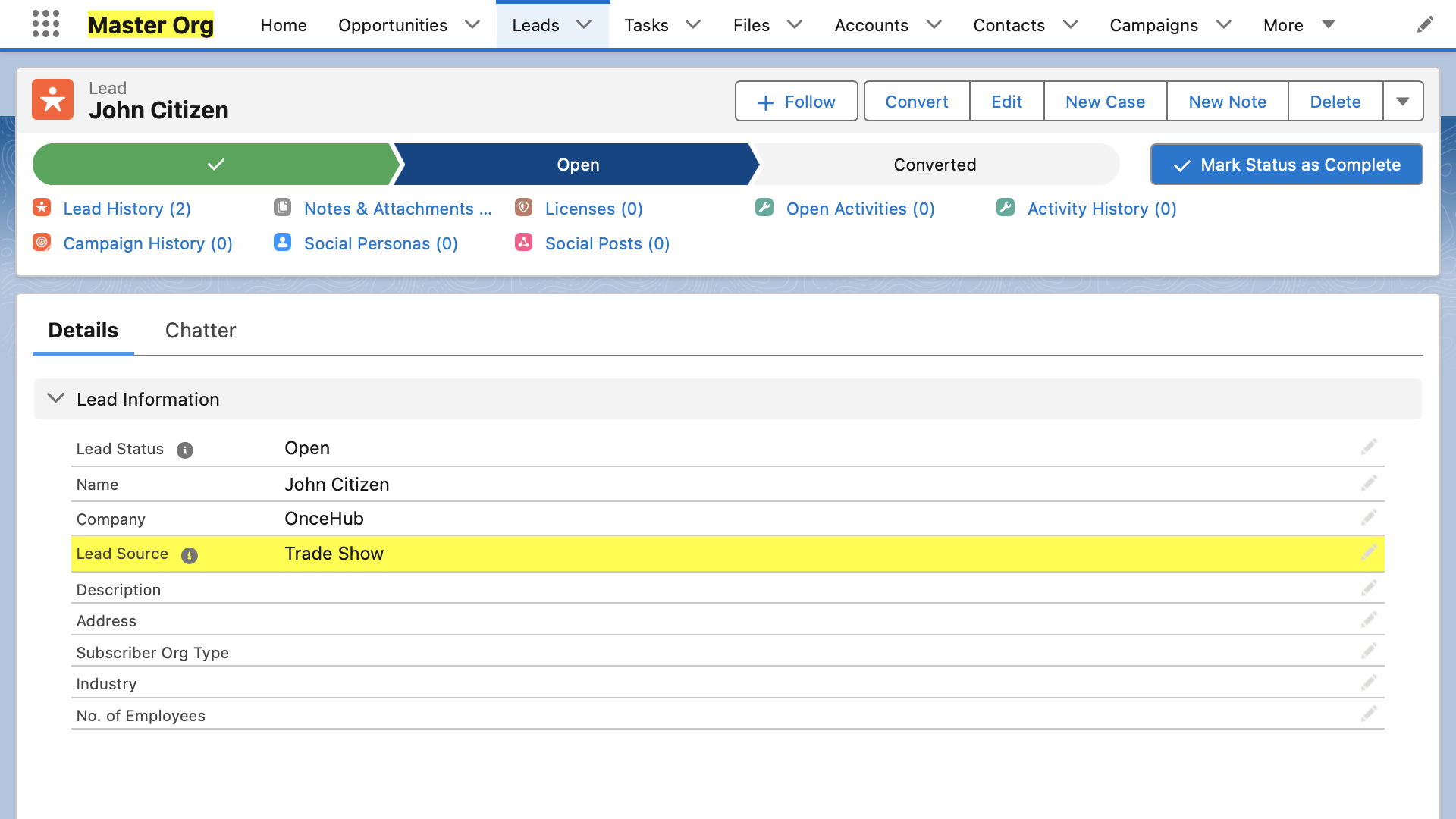
You can also test the endpoint manually using Postman. Lead records appear in the second org within a few seconds.
To secure the endpoint, enforce IP restrictions on the site and verify that the session in the payload is valid.